ShipLang Login and Payment Tutorial
ShipLang's integrated payment login is extremely simple. ShipLang's core purpose is to explore human agency, focusing attention on creativity and product, lowering the barrier to entry as much as possible, and reducing steps as much as possible.
Example page path: [h5_html]->[test.php]
Example page address: https://shiplang.com/test
Foreword
Payment methods are divided into two modes: one is an active pop-up, and the other is a passive pull-up.
A pop-up message means that when a user opens your webpage, they are prompted to log in; if they haven't paid, they will be redirected to make a payment.
Passive loading means that users can access your webpage, and you can set your own strategies, such as prompting them to log in or pay after downloading 5 images.
First, open the website and register a developer ID: shiplang.com/admin/sign-up
Actively pop up tutorial
Open the website directory [shiplang] -> [hook.js] and open the code. You will see the two variables at the top that need to be configured.
One is [window.Appid], in the format: Developer ID_Extension_Random Number
Secondly, [window.isNoPay] should be left blank for pop-up windows; do not fill it in.
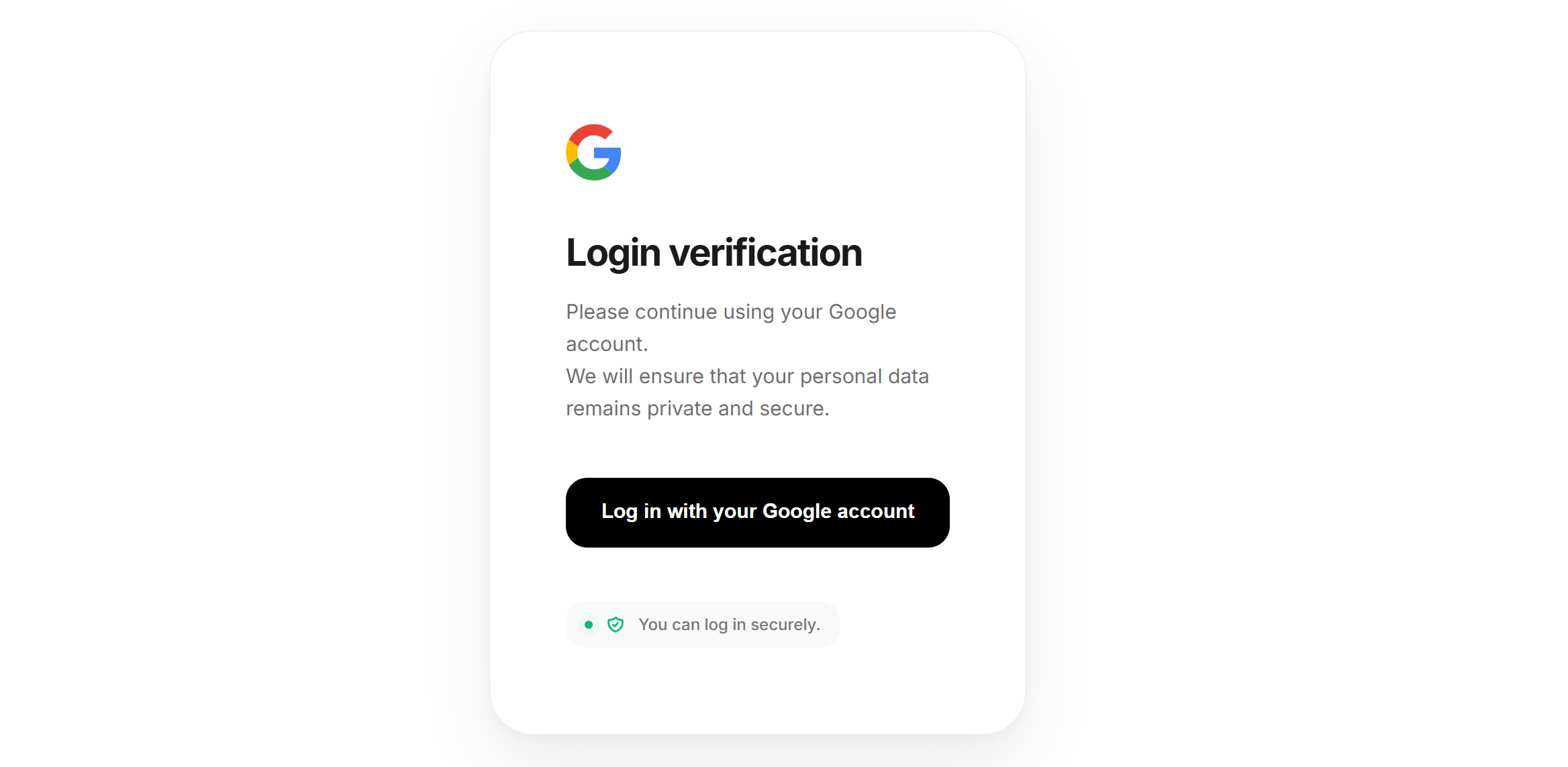
When you open your webpage, you will see a login page. After successful login, the system will detect when your membership expires and initiate the payment process.
Passive pop-up tutorial
Open the website directory [shiplang] -> [hook.js] and open the code. You will see the two variables at the top that need to be configured.
Configuration Item 1:window.Appid
Format: Developer ID_Extension_Random Number
Configuration Item 2:window.isNoPay
Fill in the lowercase wordsnpy
The system defaults to npy, as many people use this system to design official websites or showcase pages; it is not a profit-making tool, so logging in is not required.
When you open your webpage at this point, the login and payment pages will not appear. You can customize the rules for the login pop-up.
Custom trigger rule example
For example: After a user downloads 3 images, a login prompt appears. You only need to copy the following code and send it to the AI:
下方是ShipLang.com网页开发框架自带js函数,你只需要在你的静态网页js引用下方代码即可实现相应的功能
// 拉起登录
window.Login_ShipLang();
// 拉起支付
window.OpenPay_ShipLang();
// 判断用户是否为会员
if (window.IsPay_ShipLang()) {
    // 是会员
} else {
    // 非会员
}